
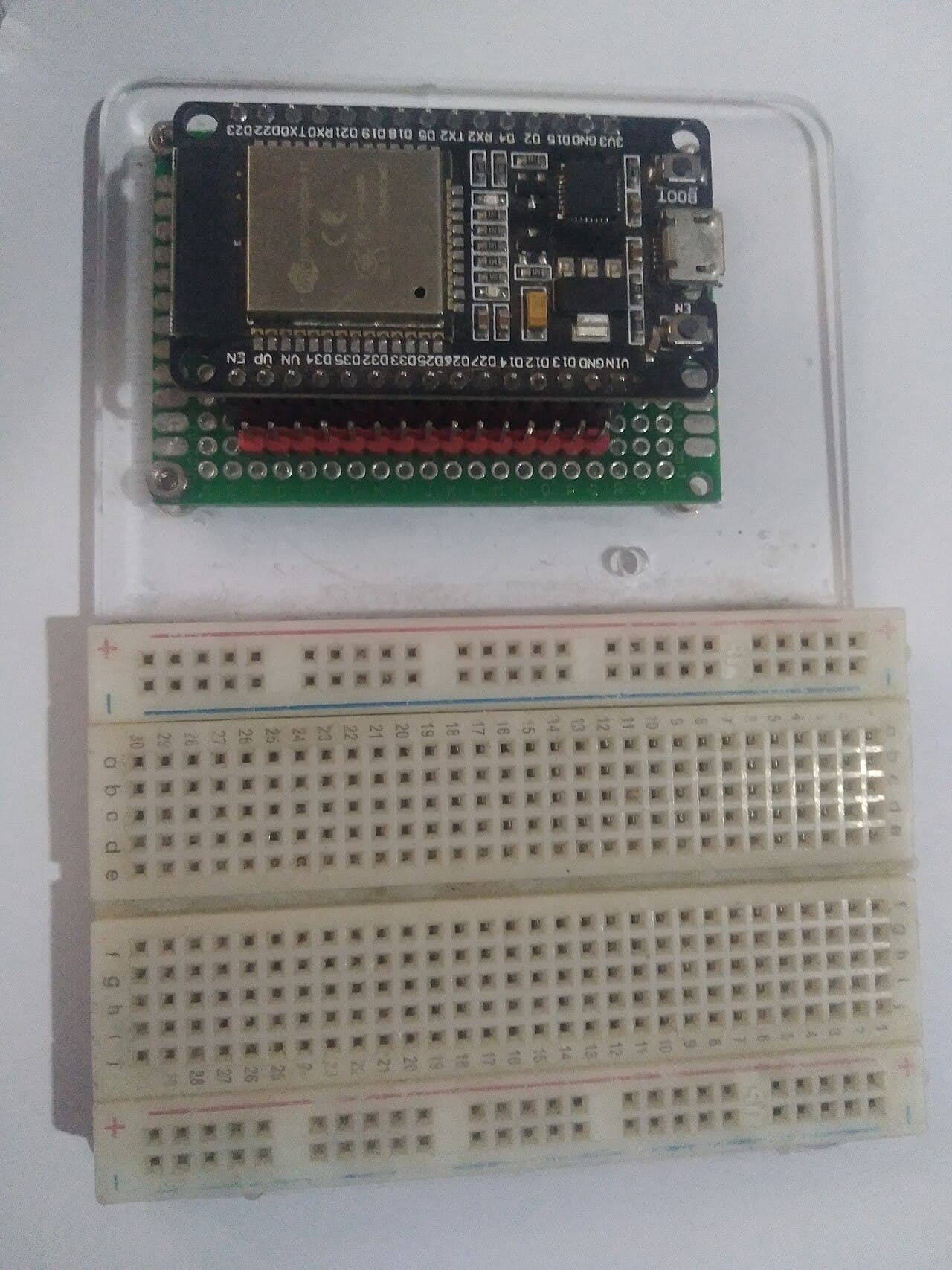
Espressif compatible · ESP32-WROOM-32
ESP32 Development Board
Specification
- Part number
- ESP32-WROOM-32
- Manufacturer
- Espressif compatible
- Stock code
- MCU-ESP32-DEV
- Category
- ESP
- Supply voltage
- 3.3 V
- Output type
- 3.3V digital
- Connection
- USB
- Protocol
- Bluetooth
- Protocol
- I2C
- Protocol
- SPI
- Protocol
- UART
- Protocol
- Wi-Fi
- Availability
- 16 in stock
Details
Dual-core ESP32-WROOM-32 with Wi-Fi and Bluetooth on board. This is the part that replaces an Uno plus a wifi shield plus a bluetooth module, usually for less than any one of them, which is why most new connected projects here start on it.
GPIO are 3.3 V and not 5 V tolerant — a 5 V sensor output needs a divider or a level shifter before it touches a pin. Boards come as 30-pin or 38-pin; ask if your enclosure or shield depends on which.
Ask about this part
Answers come from this listing and the assistant can still be wrong — the manufacturer's datasheet is what governs. For anything you are going to wire up, check it there or ask us.
Helpful links
Using this part
Starting points, not finished firmware. Check them against the datasheet.
Connect to Wi-Fi and print the IP
#include <WiFi.h>

const char* SSID = "your-network";
const char* PASS = "your-password";

void setup() {
  Serial.begin(115200);
  WiFi.begin(SSID, PASS);
  Serial.print("connecting");
  while (WiFi.status() != WL_CONNECTED) {
    delay(500);
    Serial.print(".");
  }
  Serial.print("\nIP: ");
  Serial.println(WiFi.localIP());
}

void loop() {}
Scan the I2C bus
// SDA -> GPIO21, SCL -> GPIO22 (the ESP32 defaults)
#include <Wire.h>

void setup() {
  Serial.begin(115200);
  Wire.begin();
  for (uint8_t a = 1; a < 127; a++) {
    Wire.beginTransmission(a);
    if (Wire.endTransmission() == 0) {
      Serial.printf("device at 0x%02X\n", a);
    }
  }
  Serial.println("done");
}

void loop() {}