
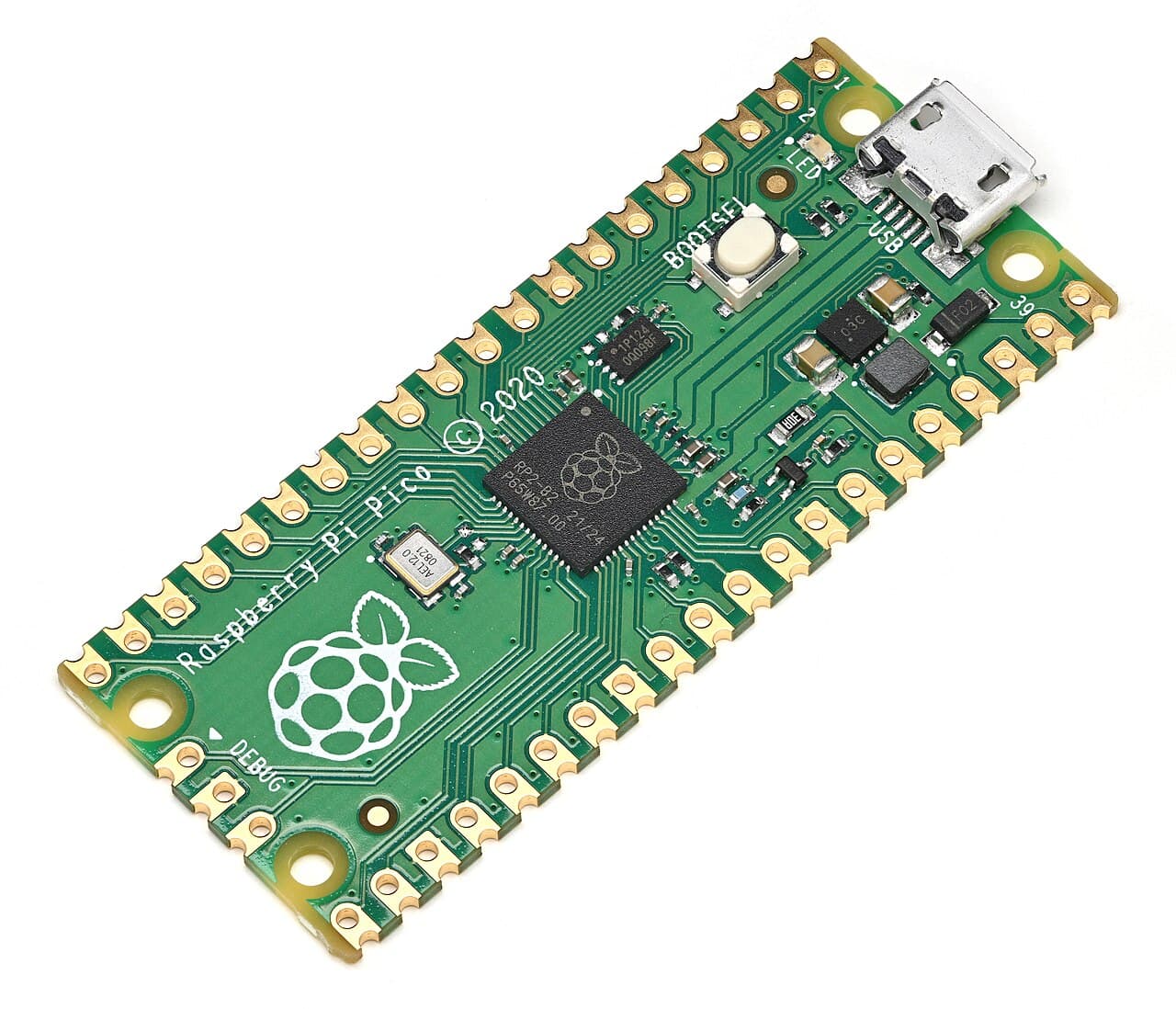
Raspberry Pi · SC0915
Raspberry Pi Pico
Specification
- Part number
- SC0915
- Manufacturer
- Raspberry Pi
- Stock code
- MCU-PI-PICO
- Category
- Microcontrollers
- Supply voltage
- 3.3 V
- Output type
- 3.3V digital
- Connection
- micro-USB
- Protocol
- I2C
- Protocol
- SPI
- Protocol
- UART
- Protocol
- USB
- Mounting
- Through-hole
- Availability
- 5 in stock
Details
The official RP2040 board — dual-core, and unusually well documented for the price. Its distinguishing feature is PIO: programmable state machines that generate or capture timing-critical signals in hardware, so driving LED strips or a bit-banged protocol does not cost you the main CPU.
Runs MicroPython or C. Ships with no headers soldered, and 3.3 V GPIO that are not 5 V tolerant. If you need Wi-Fi, you want the Pico W, not this.
Ask about this part
Answers come from this listing and the assistant can still be wrong — the manufacturer's datasheet is what governs. For anything you are going to wire up, check it there or ask us.
Helpful links
Using this part
Starting points, not finished firmware. Check them against the datasheet.
Blink the on-board LED (MicroPython)
# Nothing to wire — the LED is on GP25.
# On a Pico W it is Pin("LED") instead.
from machine import Pin
import time

led = Pin(25, Pin.OUT)

while True:
    led.toggle()
    time.sleep(0.5)
Scan the I2C bus (MicroPython)
# module SDA -> GP0 (pin 1), SCL -> GP1 (pin 2)
# module VCC -> 3V3(OUT) (pin 36), GND -> GND (pin 38)
from machine import Pin, I2C

i2c = I2C(0, sda=Pin(0), scl=Pin(1), freq=400000)

found = i2c.scan()
if not found:
    print("nothing on the bus — check wiring and pull-ups")
for addr in found:
    print("device at 0x{:02x}".format(addr))